
Advanced Excel Techniques for Project Finance Modeling
Introduction to Advanced Excel Techniques for Project Finance Modeling
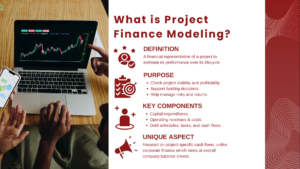
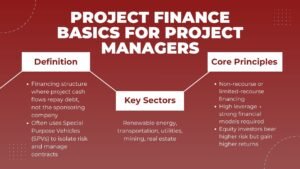
In the world of project finance, financial models are the backbone of every investment decision. Whether it’s assessing the feasibility of a new toll road, energy plant, or telecommunications project, accurate modeling helps investors, lenders, and sponsors understand risks and returns before committing capital. While understanding finance principles is essential, mastering Advanced Excel Techniques for Project Finance Modeling is what truly sets professionals apart.
Excel is still the main application in building intricate project finance models. Its flexibility provides analysts with the ability to create dynamic and scenario-based tools that reflect all the attributes of the financial life cycle of the project, both during its construction and operation period and the debt repayment and ultimate transfer of the assets.
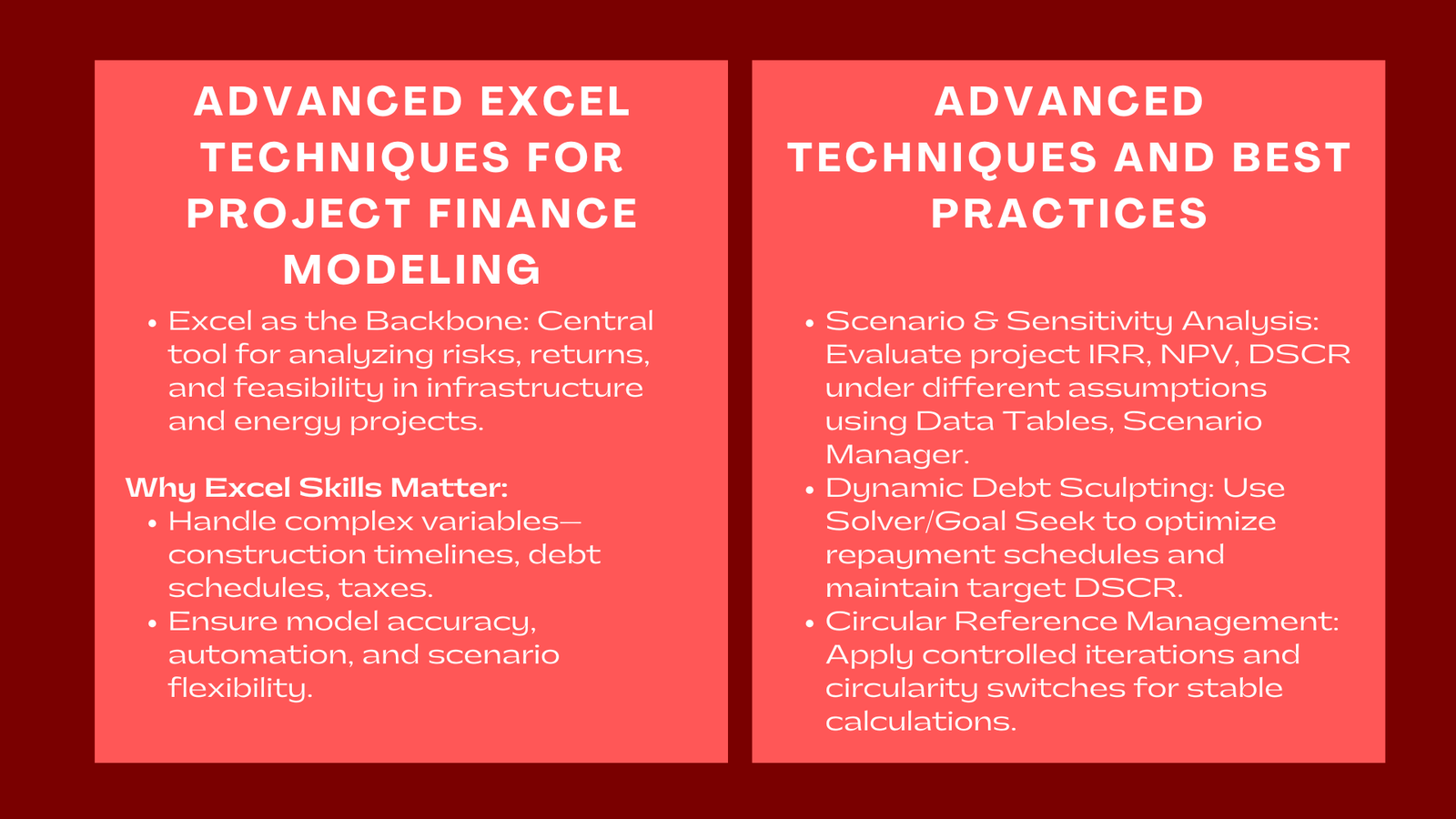
Excel: Why is Excel Skills Important in Project Finance.
The peculiarity of the project finance models is that they comprise numerous variables: scheduling of construction, amortization of debts, taxation structures, and performance assumptions. Even minor modeling flaws can cause significant misjudgments of a project.
Good Excel skills will make sure that analysts will be able to transform the technical and financial assumptions into correct output, automate repetitive work processes and examine sensitivities of working under different conditions. Individuals who have acquired the skills in advanced modeling are of great utility to lenders, developers and investors.
Moreover, project finance Excel modeling courses often emphasize not just formula proficiency but also disciplined modeling structure—ensuring transparency, auditability, and compliance with best practices used by international banks and infrastructure funds.
Developing the Foundation: Framework and Open Modeling.
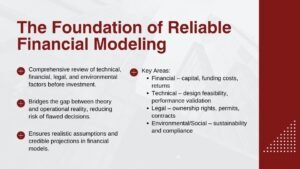
All financial models must be constructed on sound structure and technique before adopting advanced tools of Excel. Good models are flexible, transparent and modular.
Uniform Style and Formatting.
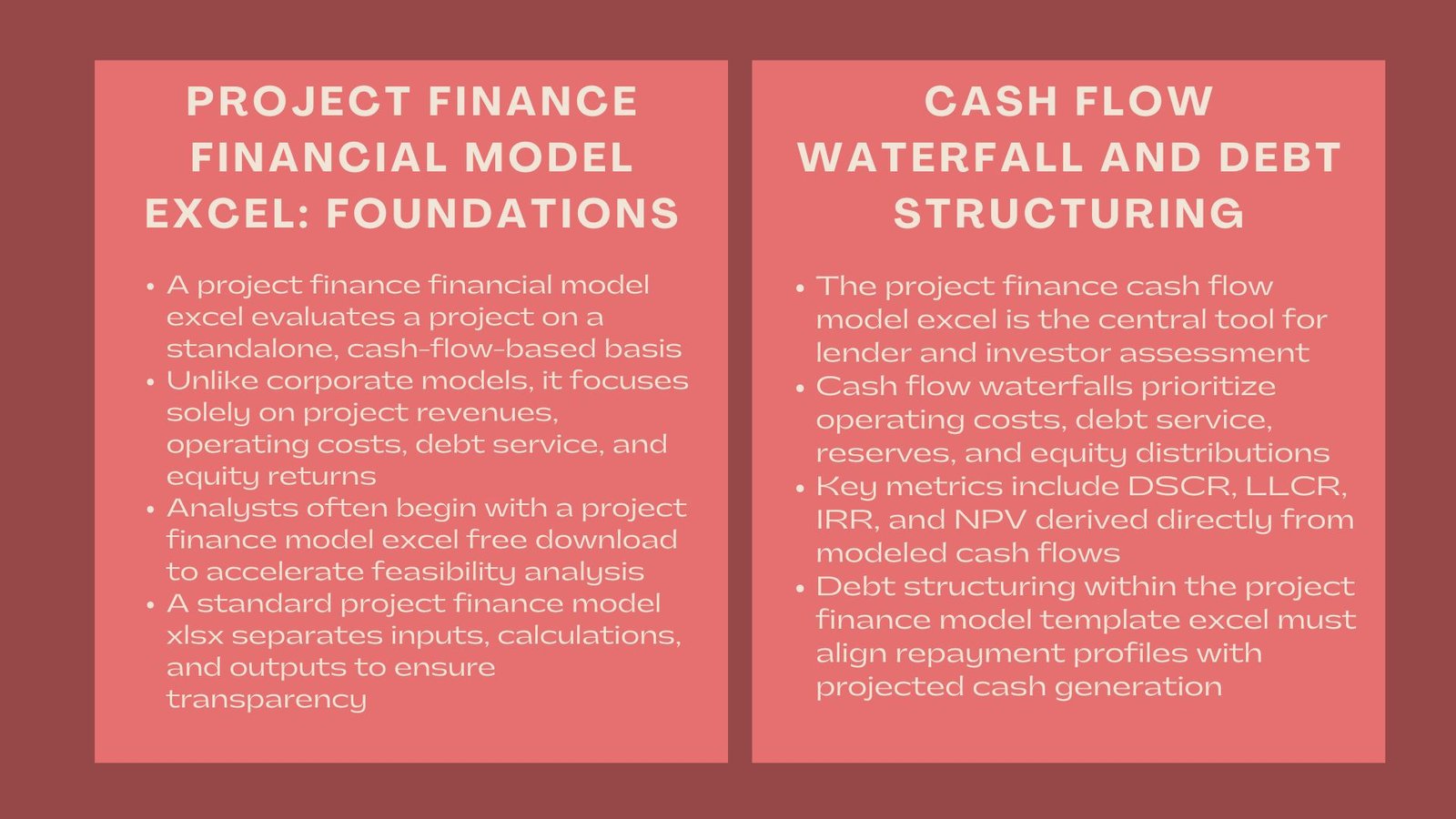
It is important to create a standardized design so that users can quickly maneuver through the complicated designs. The three should be distinctly divided in different sheets or sections with the inputs, calculations and the outputs. Apply regular color coding when needed – as an example, blue could be used to represent inputs, black could represent formulas and green could be used to represent connections to another sheet.
Dynamic Time Series
Project finance model is usually 15-30 years, there should be the exact calculation of time. Excel functions such as EOMONTH, DATE and YEARFRAC can be used to create dynamic timetables that automatically adapt when timelines shift, e.g. a project start or end date change.
Named References and Structured Named References.
Old-style addresses of random cells are only in use as before where key variables such as interest rates, which are in millions and balances in many millions of pounds or any other variables are represented by named ranges as its objects. The practice enhances readability and minimizes formula errors whenever updating or auditing them.
The most important Advanced Excel Techniques.
Excel has numerous capabilities that can enable project finance models to be more honest, effective, and sensitive. Some of the methods that all finance professionals should know will be described below. For those looking to build these skills systematically, enrolling in a project finance modelling course Singapore for Excel can provide hands-on experience in applying these advanced techniques to real-world infrastructure and investment projects.
Scenario and Sensitivity Analysis.
Projects are subjected to numerous uncertainties- construction delays or cost increase or changes in market prices. The analyst can evaluate the various outcomes by using analysis tools like the Excel Data Tables, Scenario Manager or dropdown-based scenario switches.
Sensitivity analysis, in its turn, assists in the measurement of the sensitivity of the project returns (IRR, NPV, DSCR) to the major variables (revenue growth or interest rates). One- or two-variable data tables allow the users to view the financial impact immediately.
Dynamic Debt Sculpting
Project finance is a very important concept that involves debt sculpturing. Debt service is designed to conform to cash flow capability of the project instead of fixed repayment. It can be automated using the Excel Goal Seek or Solver functions to allow analysts to calculate the principal repayments to reach a target Debt Service Coverage Ratio (DSCR).
As one example, Solver in a formula can be used to change the principal schedule to ensure that DSCR is maintained at 1.25x throughout the loan term. This is improved by automation of this process which improves accuracy and increases the speed of credit analysis.
The circular reference management is used to provide the mean of the three circular references.<|human|>Circular Reference Management The circular reference management is used to give the mean of the three circular references.
The project finance models have to have circular references because of the interdependency of interest expense, debt balances and cash flow. Rather than putting an end to iterations on an international scale, apply controlled circular references on special blocks and monitor them keenly.
Copy-paste macro use, and/or manual iteration toggle use or circularity control switch, are some of the techniques used to ensure that the integrity of the models is preserved without affecting the accuracy of the calculations.
Macros and VBA Automation
In cases that involve repetitive processes like updating assumptions, refreshing scenario as well as exporting reports, VBA (Visual Basic for Applications) can be of great help in enhancing efficiency. VBA automation eliminates the human factor in tasks and enables an analyst to concentrate on strategic analysis instead of repetitive updating.
The typical VBA programs used in project finance are:
- Automation of recalculations of the debt schedules.
- Creating project summary dashboards.
- Production of print financial statements.
- Computerization of version change and documentation.
Although VBA is not needed in all models, even simple automation may save hours of work in the due diligence and stress testing.
INDEX-MATCH and XLOOKup Complex Data Mapping.
When using dynamic data, INDEX-MATCH combination is more flexible and accurate in comparison to VLOOKUP. In Excel 365, the XLOOKUP offers an easier and more user-friendly format to chart variables between sheets, which is perfect when building a project timeline, a cost book, and a loan schedule, which do not need to be adjusted manually.
Logical Control on Flags and Switches.
Flags: binary (0 or 1) are commonly used to depict a condition, e.g. construction or operation phase, or the beginning and end of loan repayments. The application of these logical controls eases formulae, enhances transparency and gives the option of flexible switching of scenarios without making any changes to the foundation.
Simulation of the Best Practices in project finance.
In addition to highly sophisticated formulae, the real mastery of modeling lies in the application of professional discipline. External audits of project finance models can be very important and therefore clarity and documentation is required.
Maintain Auditability
Assumes the key of documents, maintains a version log and defines all input variables conspicuously. Hardcoding numbers in formulas is not advisable, place them in an inputs sheet so that they can be easily updated and checked.
Apply Modular Design
Subdivide the model into rational modules including inputs, revenue, costs, financing, reserves and outputs. The modular design allows scaling of the model so that new features may be easily incorporated such as refinancing or expansion scenarios.
Use Consistent Error Checks
Add automatic checks on the account, balance checking between the balance sheet and cash flow, circularity warnings, or negative reserve warnings. The inconsistencies can be highlighted on-the-fly with the help of conditional formatting, the use of IFERROR, or dashboard alerts.
The Role of Excel in Financial Decision-Making
Professionals who master project finance Excel modeling courses gain more than just spreadsheet skills—they develop the ability to translate financial strategy into quantitative insights. The developed Excel modeling allows making decisions quicker, make better predictions, and have more robust risk evaluation.
Analysts able to make credible cash flow, debt structure and sensitivities models can gain an advantage on the market whether it comes to appraising a new infrastructure investment or coming up with a refinancing package.
What is more, with renewable energy and green infrastructure becoming the world agenda, expert modelers are in high demand among banks, developers, and consultants.
Conclusion
The professionals of project finance modeling rely on advanced Excel techniques. Other than formulas and functions, they are a professional style of organizing, analyzing, and reporting financial data.
Analysts can build investment-grade transparent flexible and flexible models by learning to analyze the scenario, sculpture debt, automating and modularly designing. At a time when financial precision is the key measure of project success, Excel is the tool that cannot be avoided linking strategic vision and analytical rigor.